


Smartphone UHF Reader MTR30
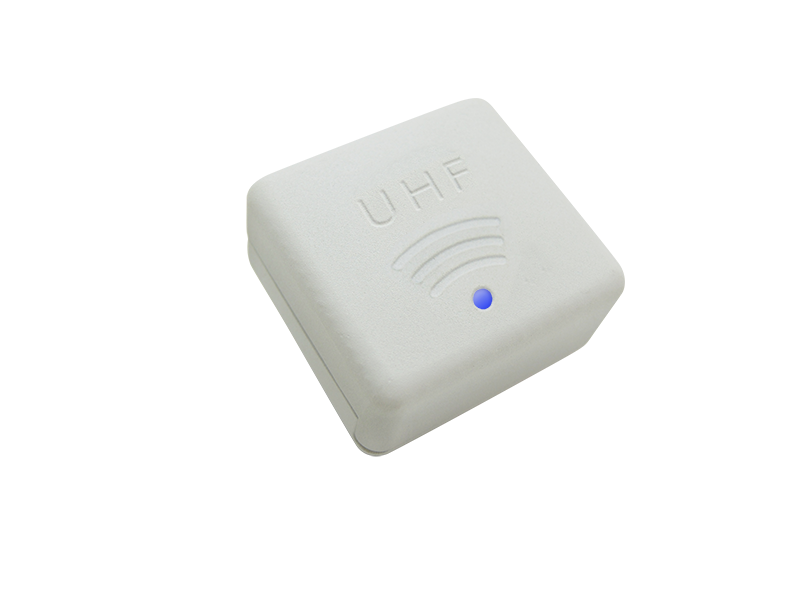
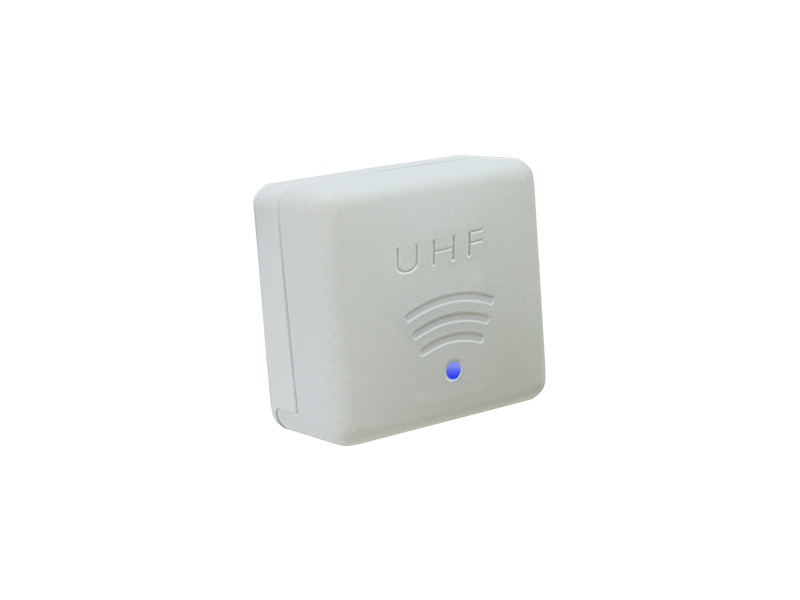
Why a Smartphone UHF Reader Transforms Mobile Data Collection
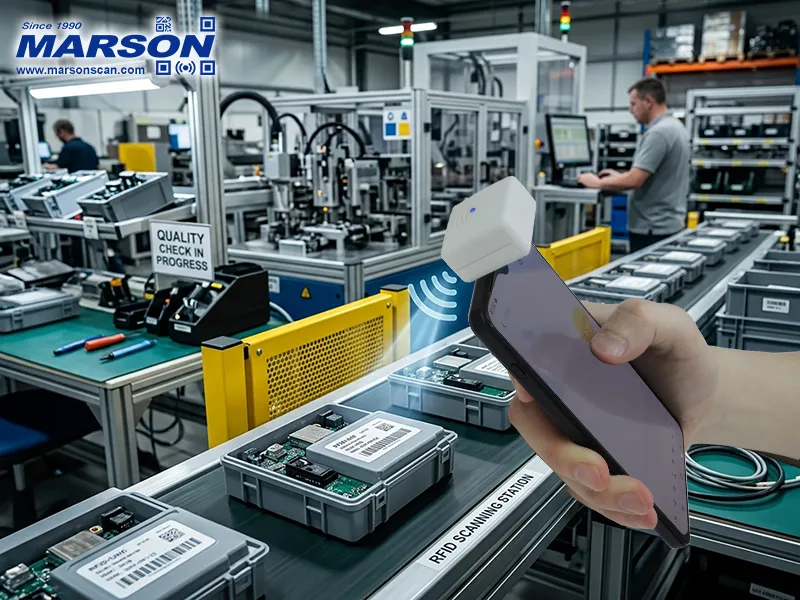
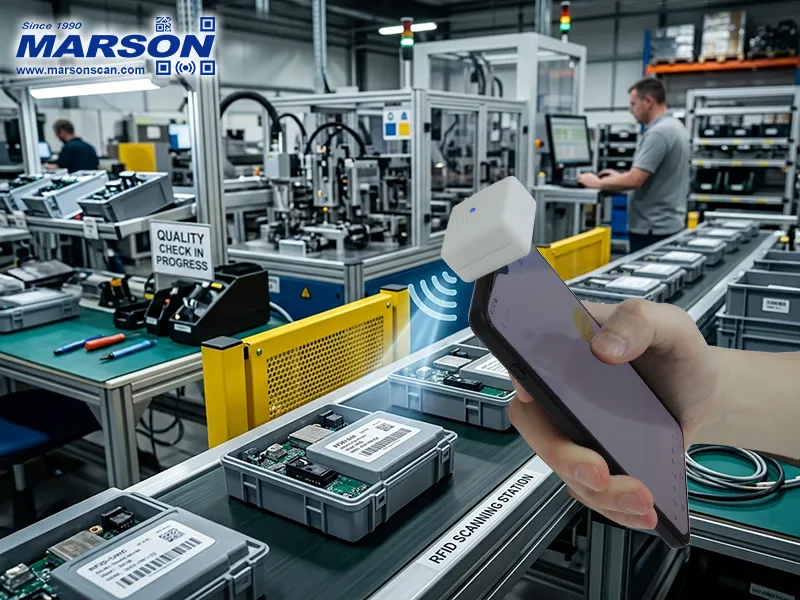
Modern mobile operations demand speed, flexibility, and portability. A smartphone-based UHF reader eliminates the need for bulky terminals by turning an Android device into a powerful RFID data collection tool, enabling faster workflows in retail, logistics, field service, access control, and inventory management.
How the Smartphone UHF Reader Enhances Everyday Efficiency
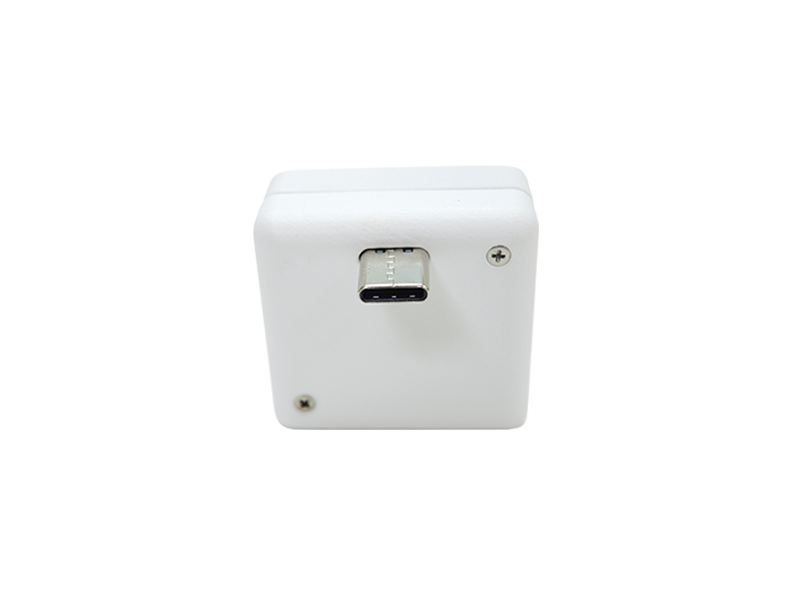
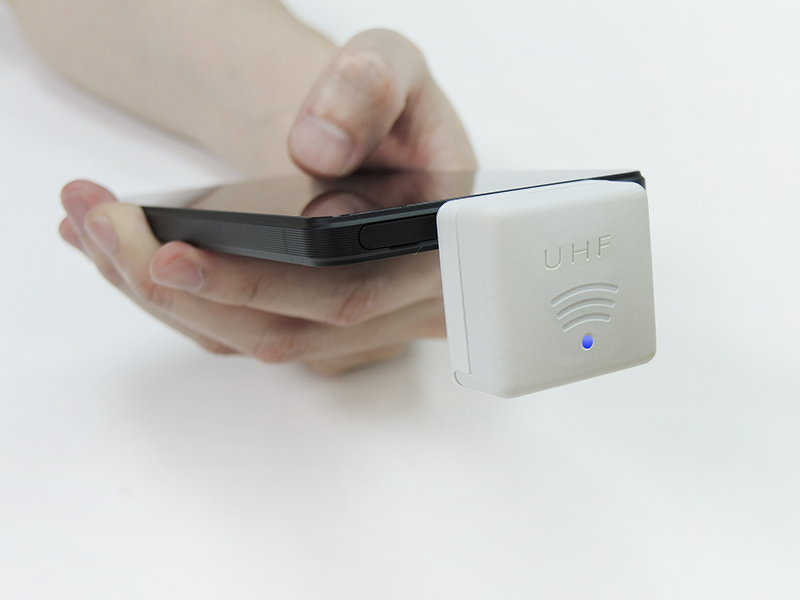
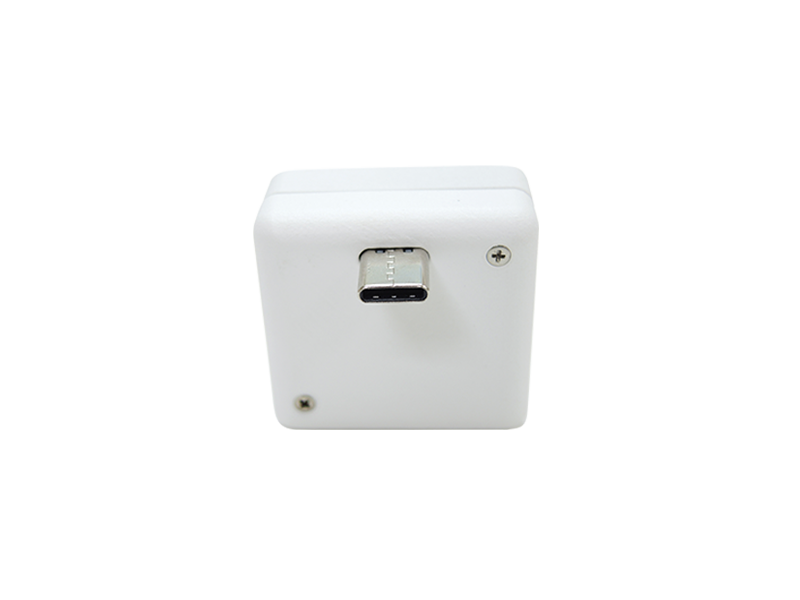
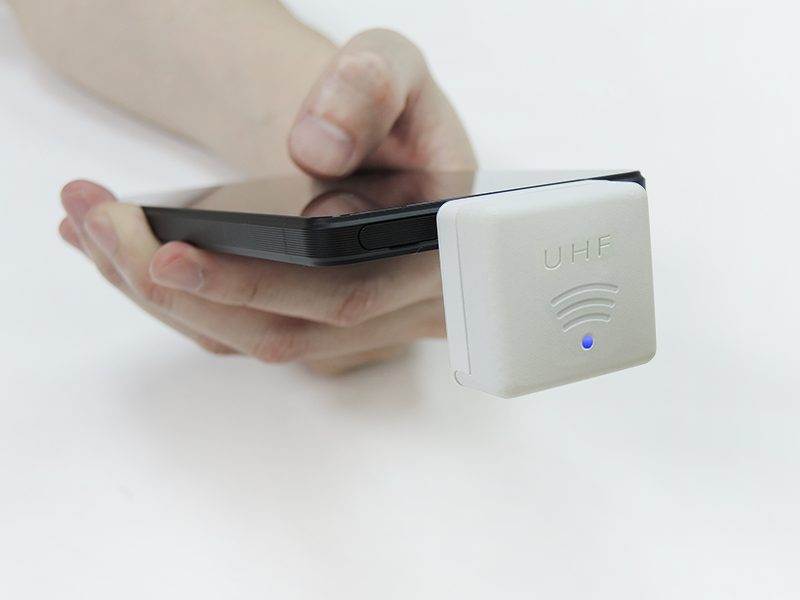
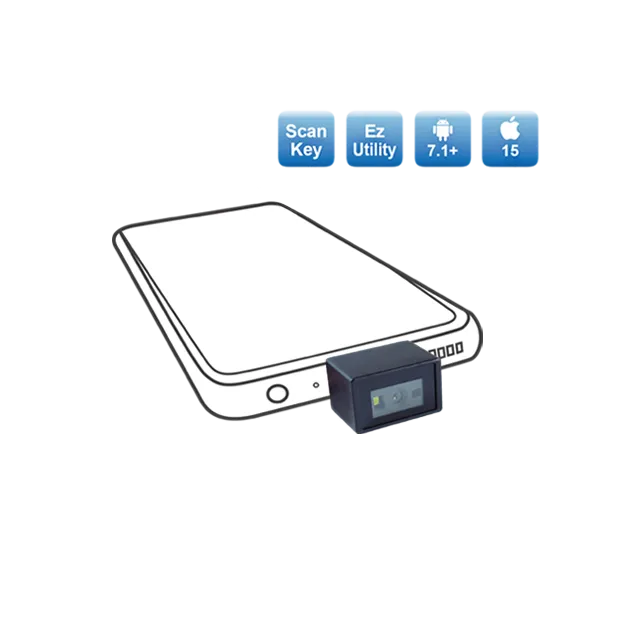
By connecting directly via USB Type-C, the compact UHF reader integrates seamlessly with Android smartphones and ScanKey®, allowing instant RFID scanning through an on-screen trigger. With reliable short-range UHF performance and a circularly polarized antenna, it ensures consistent tag reading even in dynamic, on-the-move environments.
- Smartphone-ready UHF RFID scanning via USB Type-C scanning
- Compact, lightweight, and highly portable design
- Circularly polarized antenna for reliable tag readability
- Seamless integration with ScanKey® on-screen trigger
- Ideal for mobile and field-based applications
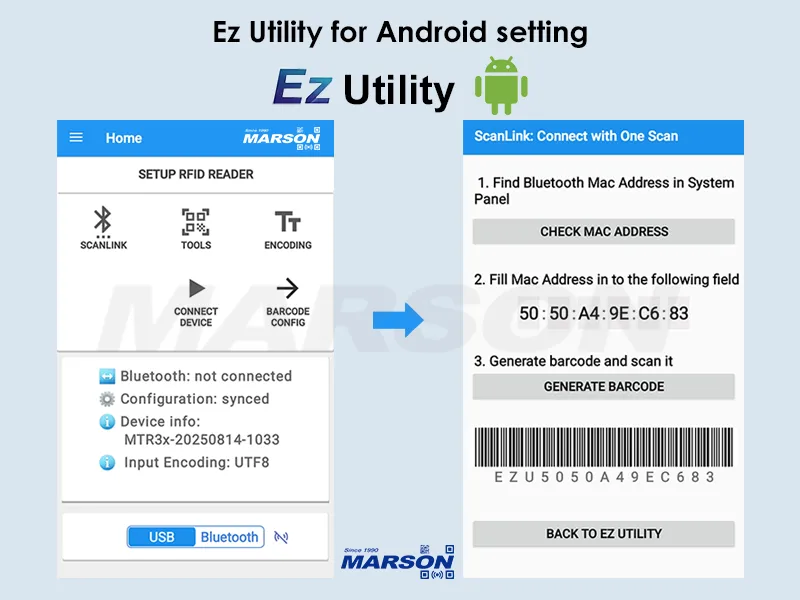
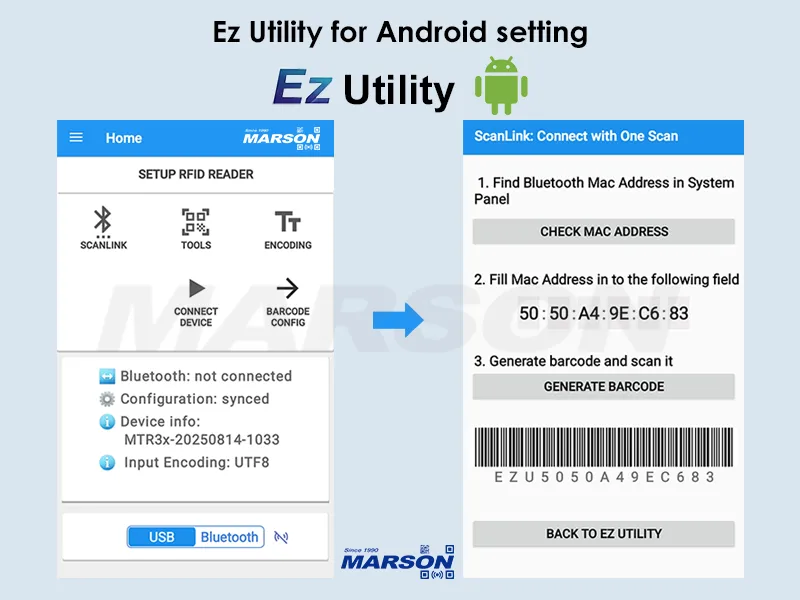
- Easy configuration with Ez Utility ®
* New product is available for free testing. For detailed conditions, please contact our sales representative.
-
 Retail
 -
 Logistics
 -
 Field Service
 -
 Access Control
 -
 Inventory
FEATURES
Smartphone-Ready with Seamless Integration
Designed for Android devices, the smartphone UHF reader connects instantly via USB Type-C and works in harmony with ScanKey® - a virtual on-screen trigger button that overlays on any application. This integration ensures fast RFID scanning without disrupting your workflow.
Powerful and Compact UHF Scanning
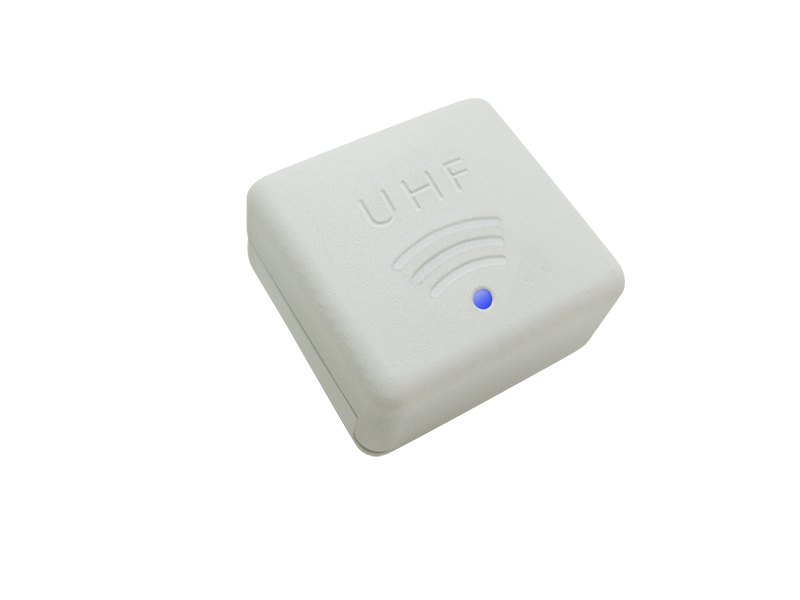
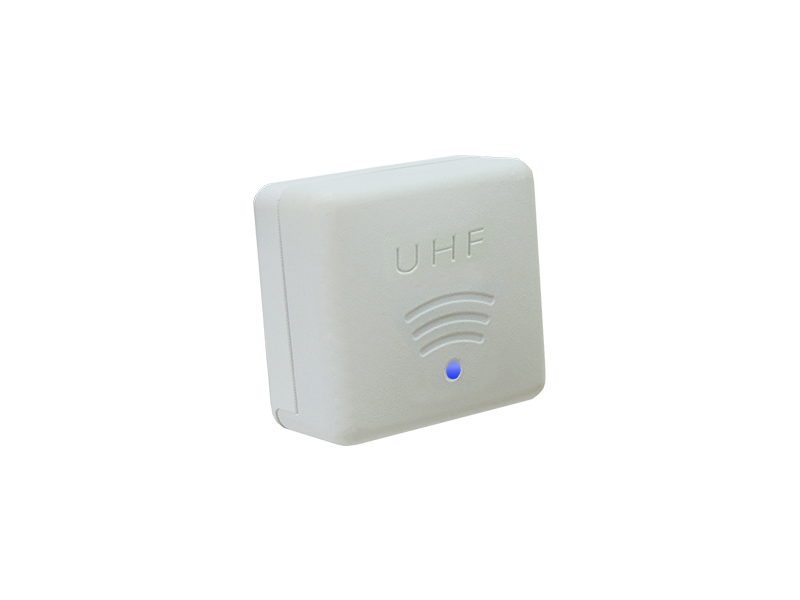
Despite its ultra-compact size, the smartphone UHF reader delivers reliable UHF RFID scanning up to 30 cm. Its circularly polarized antenna ensures enhanced tag readability from various orientations, making it ideal for dynamic, on-the-go use.
Smartphone Compatibility with Durable USB-C Design
The smartphone UHF reader connects via a robust USB Type-C interface for stable and reliable operation. The reinforced USB-C connector ensures long-term durability under frequent use, supporting secure connections and consistent performance in demanding mobile and field environments.
FAQ Read More
Q1: Can you handle custom OEM/ODM designs?
Ans: Yes. We provide flexible OEM/ODM services and work closely with customers to develop customized designs and manufacturing solutions based on their specific requirements. With extensive experience in product development and manufacturing, our team supports projects from initial design and prototyping through mass production, helping customers shorten development time, optimize costs, and bring products to market efficiently.
Q2: What is your typical lead time and MOQ?
Ans: Our standard MOQ is 100 units, and the typical lead time is approximately 30~60 days depending on material availability. Lead times may be shortened when a production forecast is provided in advance.
Q3: What certifications do your products comply with?
Ans: Certification requirements vary depending on the product. Typically, our wired products comply with CE and FCC requirements. Wireless products generally comply with FCC and TELEC requirements. Laser products typically comply with IEC 60825-1, while LED products generally comply with IEC 62471.
Q4: Can you provide samples for testing and evaluation?
Ans: Yes. We can provide samples for testing and evaluation before mass production. Sample availability, pricing, and lead time may vary depending on the product and configuration. Please contact us with your application requirements for further details.
Q5: How can I request a quotation for this product?
Ans: Click the Inquiry button in the Product page, then click the「Inquiry」tab on the right side of the browser on a PC, or at the bottom of the screen on a mobile device. Next, click 「Inquiry」 to open the inquiry form and provide the required information. Our sales team will review your request and get back to you accordingly.
SPECIFICATIONS
(when attached to smartphone)
Download
Enter your info for free access to Marson downloads.


數字驗證
請由小到大,依序點擊數字